https://www.youtube.com/watch?v=KrGPHOtlq9U&list=UUhwKlOVR041tngjerWxVccw
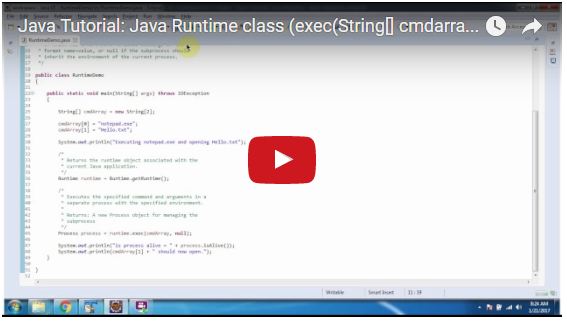
RuntimeDemo.java
import java.io.IOException;

/*
 * public Process exec(String[] cmdarray, String[] envp)
 *                                      throws IOException
 *
 * Parameters:
 * -----------
 *
 * cmdarray - array containing the command to call and
 * its arguments.
 *
 * envp - array of strings, each element
 * of which has environment variable settings in the
 * format name=value, or null if the subprocess should
 * inherit the environment of the current process.
 */

public class RuntimeDemo
{

    public static void main(String[] args) throws IOException
    {

        String[] cmdArray = new String[2];

        cmdArray[0] = "notepad.exe";
        cmdArray[1] = "Hello.txt";

        System.out.println("Executing notepad.exe and opening Hello.txt");

        /*
         * Returns the runtime object associated with the
         * current Java application.
         */
        Runtime runtime = Runtime.getRuntime();

        /*
         * Executes the specified command and arguments in a
         * separate process with the specified environment.
         *
         * Returns: A new Process object for managing the
         * subprocess
         */
        Process process = runtime.exec(cmdArray, null);

        System.out.println("is process alive = " + process.isAlive());
        System.out.println(cmdArray[1] + " should now open.");
    }

}
Executing notepad.exe and opening Hello.txt
is process alive = true
Hello.txt should now open.

No comments:
Post a Comment