Click here to watch in Youtube :
https://www.youtube.com/watch?v=Uoq1XclqfJ0&list=UUhwKlOVR041tngjerWxVccw
Click the below Image to Enlarge
 |
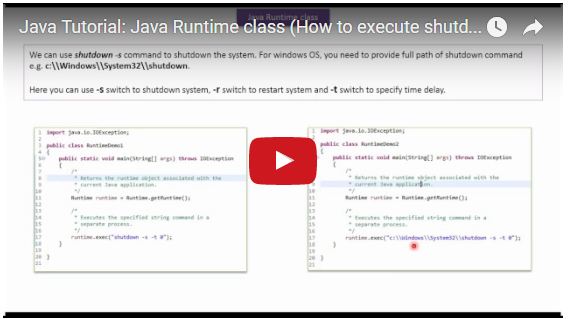
| Java Tutorial: Java Runtime class (How to execute shutdown command) |
 |
| Java Tutorial: Java Runtime class (How to execute shutdown command) |
import java.io.IOException;

public class RuntimeDemo1
{
    public static void main(String[] args) throws IOException
    {
        /*
         * Returns the runtime object associated with the
         * current Java application.
         */
        Runtime runtime = Runtime.getRuntime();

        /*
         * Executes the specified string command in a
         * separate process.
         */
        runtime.exec("shutdown -s -t 0");
    }

}
import java.io.IOException;

public class RuntimeDemo2
{
    public static void main(String[] args) throws IOException
    {
        /*
         * Returns the runtime object associated with the
         * current Java application.
         */
        Runtime runtime = Runtime.getRuntime();

        /*
         * Executes the specified string command in a
         * separate process.
         */
        runtime.exec("c:\\Windows\\System32\\shutdown -s -t 0");
    }

}
import java.io.IOException;

public class RuntimeDemo3
{

    public static void main(String[] args) throws IOException
    {
        /*
         * Returns the runtime object associated with the
         * current Java application.
         */
        Runtime runtime = Runtime.getRuntime();

        /*
         * Executes the specified string command in a
         * separate process.
         */
        runtime.exec("shutdown -r -t 0");

    }

}

No comments:
Post a Comment